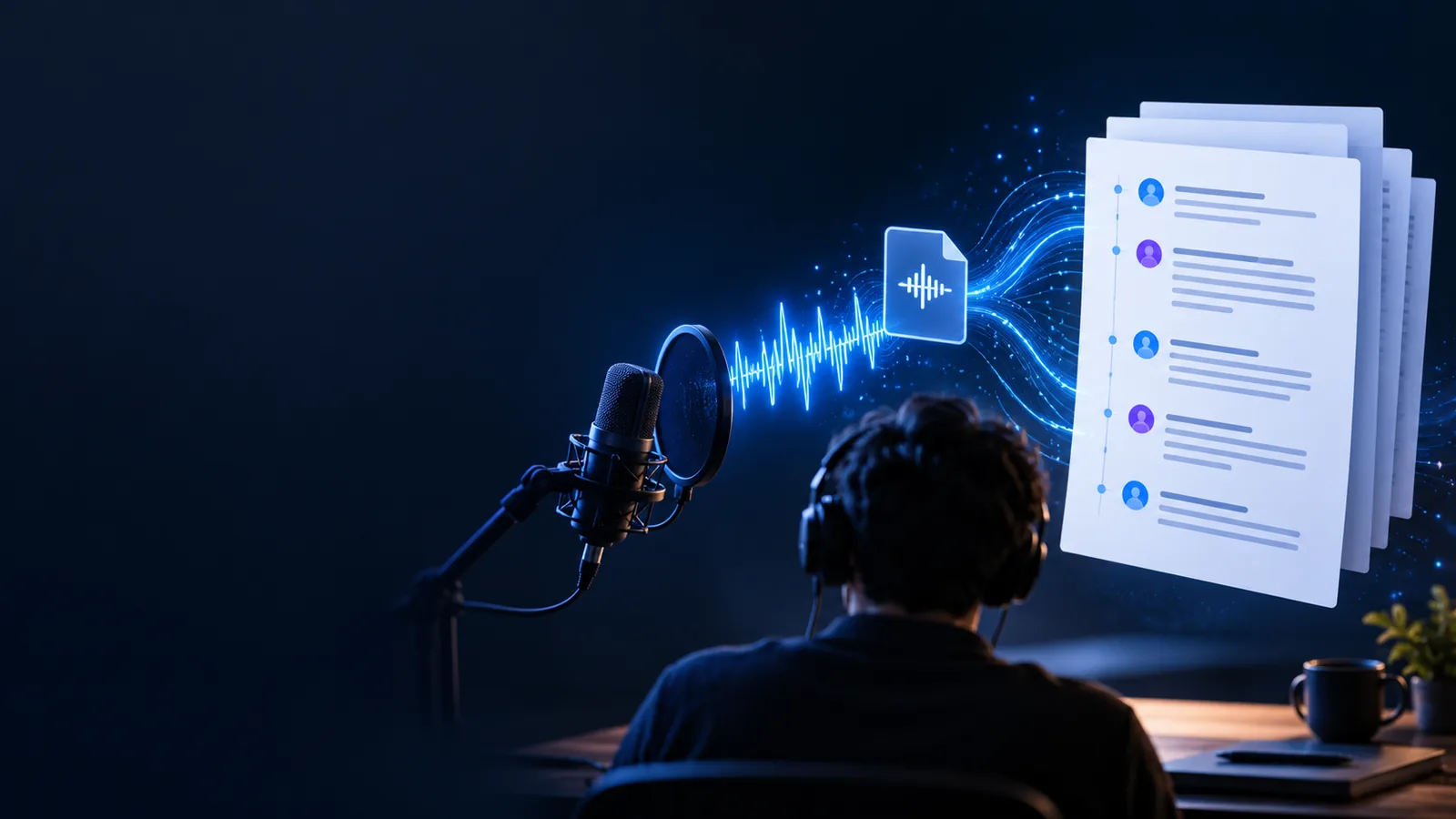
Voice To Text

Comparison guide

Voice to text converter vs transcribe: which fits your audio?

The voice to text converter vs transcribe distinction is mostly about your starting point. Are you speaking now to capture new words, or working from audio that already exists? Both paths can produce text, but the source, editing process, and result you need determine which approach makes sense. Use this guide to separate the task from the tool name before you commit to a workflow.

Voice To Text landing page visual

Verdict first (table)

Choose by input, not by label: speech you are making now points toward dictation; a saved recording points toward transcription. In either case, plan to review the text.

Dimension by dimension

The same phrase, voice to text converter, is often used for both tasks. These three checks reveal the practical difference.

  1. 1

    Check where the speech lives

    With dictation, you create the source while you speak: a sentence, message, or rough draft takes shape in the moment. With transcription, the source is usually an existing recording that may contain pauses, interruptions, or more than one speaker. If you cannot repeat the speech, keep the original audio available while reviewing its transcript.

  2. 2

    Decide what the text must preserve

    A dictated note can be rewritten as you go because you control what is being said. A transcript may need to follow the recording closely, especially when the exact wording matters. Decide whether you need readable notes, a faithful account of the speech, or a summary; those are different outputs, even when they begin with the same audio.

  3. 3

    Budget for review

    Speech recognition can mishear proper names, accents, background voices, and technical terms. For dictation, reread the text while the intended sentence is fresh in your mind. For a recording, replay uncertain passages and compare them with the draft. Treat an automated result as working text rather than a verified record of what was said.

Who each suits

Your role matters less than whether you can speak again, need the original wording, or have audio waiting to be processed.

The quick-note writer

You have an idea to capture now and no recording to process. Dictation fits because you can speak, read the result, and revise it immediately.

A useful draft is the goal, not a word-for-word account of an earlier conversation. If you are working on a handset, consider its available input options before choosing a separate workflow.

how do i convert voice to text on my phone
The interview reviewer

You already have a recorded conversation. Transcription fits better than fresh dictation because the original answers, questions, and sequence are the material you need to examine.

Keep the audio so you can check quotations and speaker changes. Start with a clear process for turning the recording into a draft rather than trying to retell it from memory.

how do i convert my voice recording into text

The meeting note-taker

You need action items, but the discussion may also need checking later. Live capture can help with immediate notes; a saved recording gives you a source for reviewing disputed details.

Separate your edited meeting notes from any transcript. A concise action list is easier to use, while the recording remains the reference for exact wording.

live audio to text converter

The tool-switching researcher

Your current approach produces text but creates too much cleanup work. Identify whether the problem is the audio quality, the need for exact wording, or the review process before switching tools.

Test alternatives against the same short sample and compare the corrections required. A different interface alone will not repair an unclear source recording.

voice to text converter alternative free

Migration path

If speaking a summary from memory is no longer enough, move from note capture to a recording-based review process.

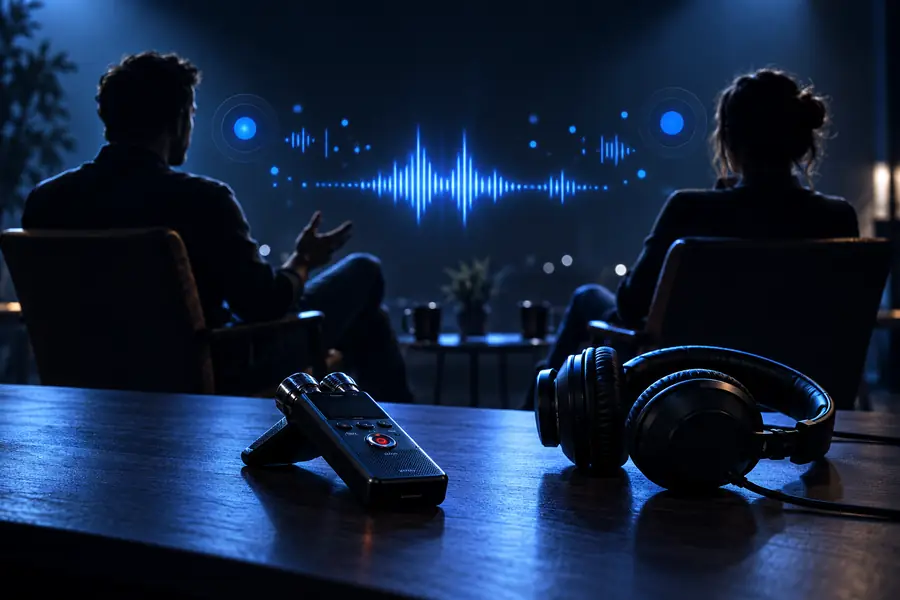
Illustration representing a recorded conversation before text review Existing audio
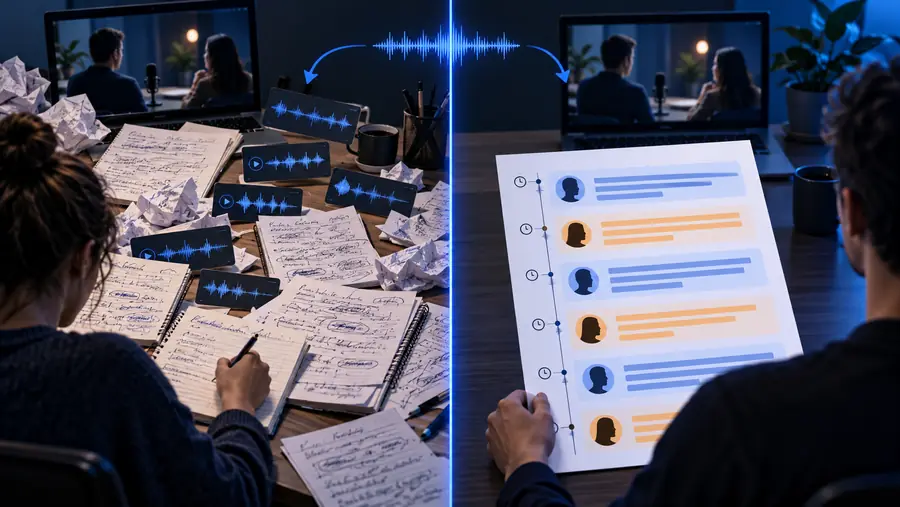
Illustration representing audio and text considered together Reviewed draft
Keep the source recording, make a first-pass transcript, then replay passages where the words or speaker are uncertain. Edit for the output you actually need: faithful quotations for a record, or clearly labeled notes for a recap. The images illustrate that workflow; they are not examples of verified transcription output.

Take the next step

Start with the speech you have

If you are comparing a voice to text converter with transcription, decide first whether you are capturing speech now or reviewing a recording. Voice To Text can point you toward a place to explore the next step; check the destination's current input options and terms before sharing audio. Keep your source available and review any resulting text before relying on it.

Explore voice transcription
  • Identify whether your source is live speech or saved audio
  • Decide between working notes and faithful wording
  • Check the draft against the speech

Comparison FAQ

They overlap, but the wording can describe different workflows. Dictation commonly captures words as you speak, while transcription commonly turns an existing recording into text. Check what input a particular tool accepts rather than relying on its name.

Look for a recording-to-text workflow, since speaking the content again would create a new version rather than a transcript of the original. Keep the recording for checking unclear words, speaker changes, and quotations. If the exact wording matters, review the draft against the audio.

It may help you capture immediate notes, but minutes are usually an edited account of decisions and actions, not raw speech converted into text. If you need to verify a statement later, preserve an appropriate source recording where permitted. Review and label the final notes so readers know what they represent.

Do not assume so. Noise, overlapping voices, names, and specialist vocabulary can all affect a draft. Review important passages against the original speech, particularly before publishing quotations or using the text as a record.

Switch from dictation to recording-based transcription when the speech has already happened or you need to check what someone actually said. Move the other way when you simply need to compose a new note in your own words. The deciding question is whether your text must reflect an existing audio source.

Convert voice
Convert voice