Voice To Text

Practical tutorial

How do I convert my voice recording into text with confidence? A practical workflow

How do I convert my voice recording into text? Start with a clear file, choose the right conversion method, then review the transcript against the original audio before sharing it.

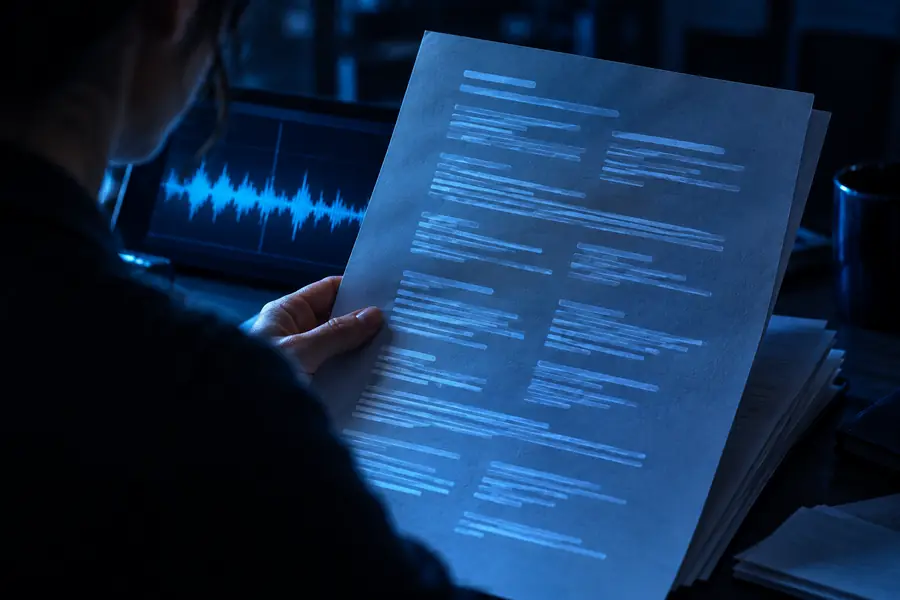
Review the transcript before sharing
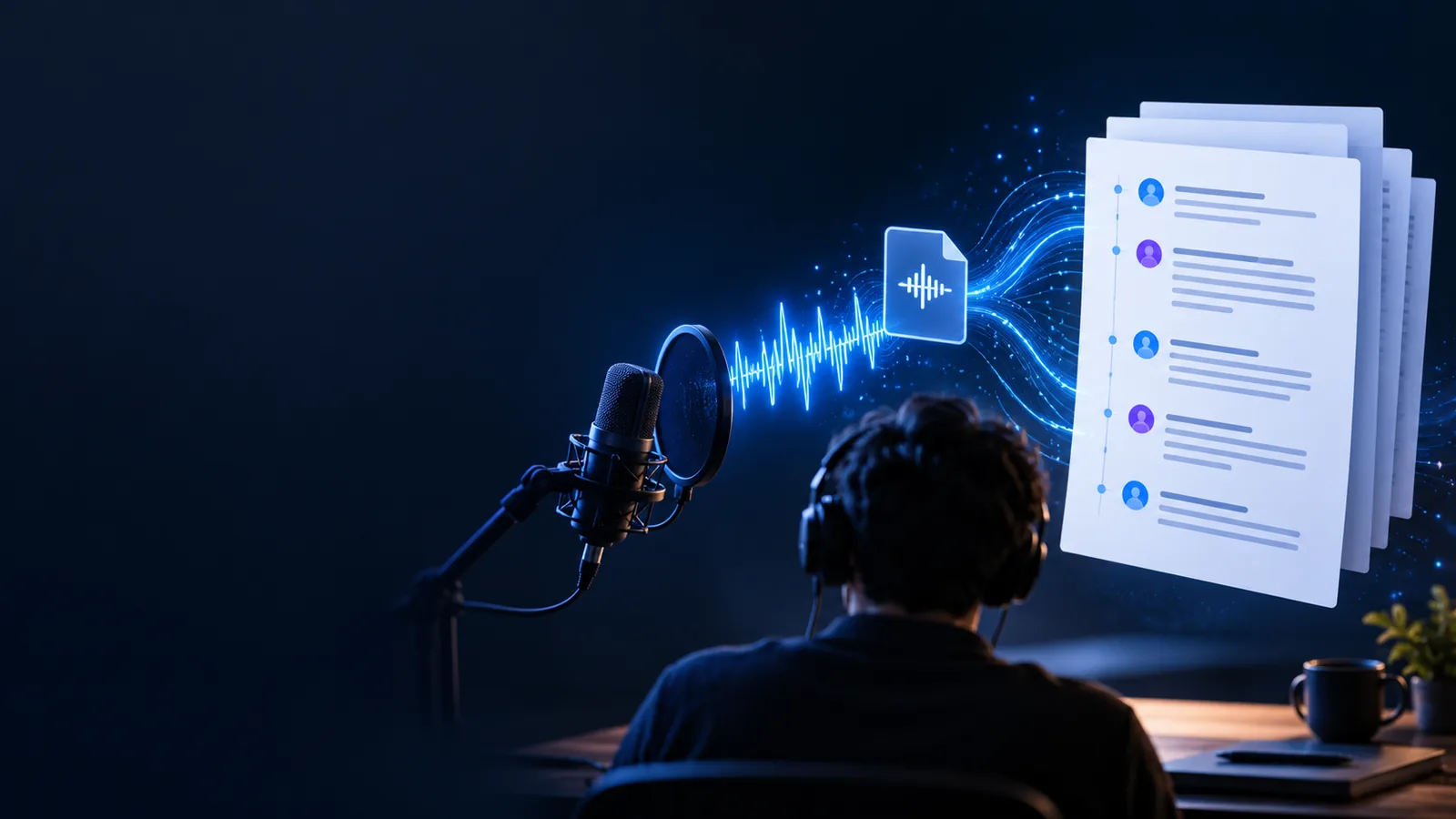
Voice recording being turned into organized text

Prerequisites

A few simple checks make the conversion smoother and reduce the amount of correction required afterward.

Numbered steps

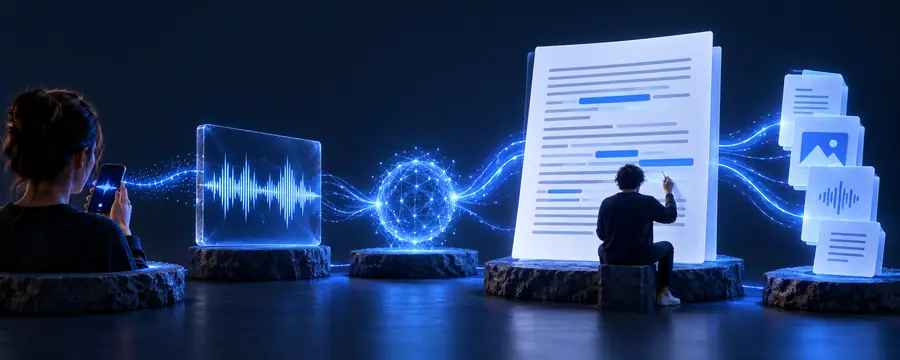
The process is straightforward: prepare the source, convert the speech, and verify the result before using it.

  1. 1

    Prepare the recording

    Use the clearest copy of the audio you have. Trim long silence when practical, note who is speaking, and keep the original file untouched so you can compare the transcript later.

  2. 2

    Run the conversion

    Send the recording through your chosen voice to text converter and state what you need from the output, such as paragraphs, speaker labels, timestamps, or a concise cleaned-up version.

  3. 3

    Review and export

    Listen along with the text, correct names and technical terms, remove obvious recognition mistakes, and save the final transcript in a format that suits your next task.

Common errors and fixes

Use the recording as the source of truth. The table below separates what belongs to the audio from what belongs to the finished transcript.

Recording source
Text transcript

Background noise

Recording source

Reduce fans, traffic, music, and room echo before recording when possible.

Text transcript

Mark uncertain words and recheck them against a quieter section or a second listen.

Low volume

Recording source

Move the microphone closer and avoid recording from across the room.

Text transcript

Do not assume a missing word is correct simply because the sentence looks plausible.

Overlapping speakers

Recording source

Ask participants not to talk over one another and record in a stable position.

Text transcript

Separate speakers manually when the transcript merges their sentences.

Names and jargon

Recording source

Say unusual names, product terms, and acronyms clearly at least once.

Text transcript

Check spelling against notes, documents, or the speaker's preferred terminology.

Long pauses

Recording source

Keep pauses if they carry meaning, but remove accidental silence from the source when editing.

Text transcript

Use paragraph breaks or punctuation instead of leaving a transcript as one dense block.

Accents and fast speech

Recording source

Record at a natural pace and avoid speaking away from the microphone.

Text transcript

Replay difficult passages and edit only after confirming the intended wording.

Advanced tips

A transcript becomes more useful when the output is shaped for its final reader instead of treated as a raw block of recognized speech.

Unedited voice recording transcript with rough spacing Raw transcript
Reviewed transcript arranged into readable paragraphs Reviewed text
Review every proper noun, number, and quoted statement before publication.

Students and researchers

You recorded a lecture, interview, or field note and need searchable text for study.

Create a working transcript first, then compare important quotations with the audio. For longer source files, the [free audio to text converter] link points to a workflow focused on turning recordings into usable text.

free audio to text converter

Meeting participants

You need decisions, questions, and action items from a recorded discussion.

Convert the conversation, add speaker names, and turn the reviewed transcript into concise notes. The [voice to text converter online free] guide covers the browser-based path for this kind of task.

voice to text converter online free

Journalists and interviewers

A recorded interview contains names, quotes, and details that must be checked carefully.

Keep the original audio beside the transcript and verify every quote before publication. The [voice to text converter vs transcribe] comparison helps clarify when conversion is only the first stage of the work.

voice to text converter vs transcribe

People capturing quick ideas

A voice memo contains reminders, rough plans, or thoughts that are easier to edit as text.

Use short paragraphs and preserve the speaker's intent while removing filler that does not help the reader. When the words need to appear during a conversation, see the [live audio to text converter] guide.

live audio to text converter

Turn a recording into usable text

Bring your recording and its intended audience into one clear workflow. Start the conversion, then use the original audio to check names, numbers, quotations, and any passage that sounds uncertain.

Convert my recording
  • Prepare the clearest available audio
  • Review the transcript against the source
  • Shape the output for its final reader

Tutorial FAQ

Choose a clear recording, submit it to a voice to text converter, and wait for the spoken words to be transcribed. Then listen through the audio while correcting names, numbers, punctuation, and any sentence that does not sound right.

A recording with one clear speaker, steady volume, and limited background noise is usually easiest to review. Keep the original audio at its highest available quality and avoid repeatedly exporting it through compressed formats.

You can trim accidental silence, long dead sections, or unrelated material before conversion if that makes the file easier to handle. Keep an untouched copy so you can verify the transcript against the complete source later.

Accuracy depends on sound quality, accents, speaking speed, overlapping voices, and specialist vocabulary. Treat the first result as a draft and check important names, figures, quotations, and technical terms against the recording.

Add paragraph breaks, punctuation, speaker labels, and headings where they help the reader follow the content. Remove repeated filler only when doing so preserves the original meaning and the purpose of the transcript.

Convert voice
Convert voice