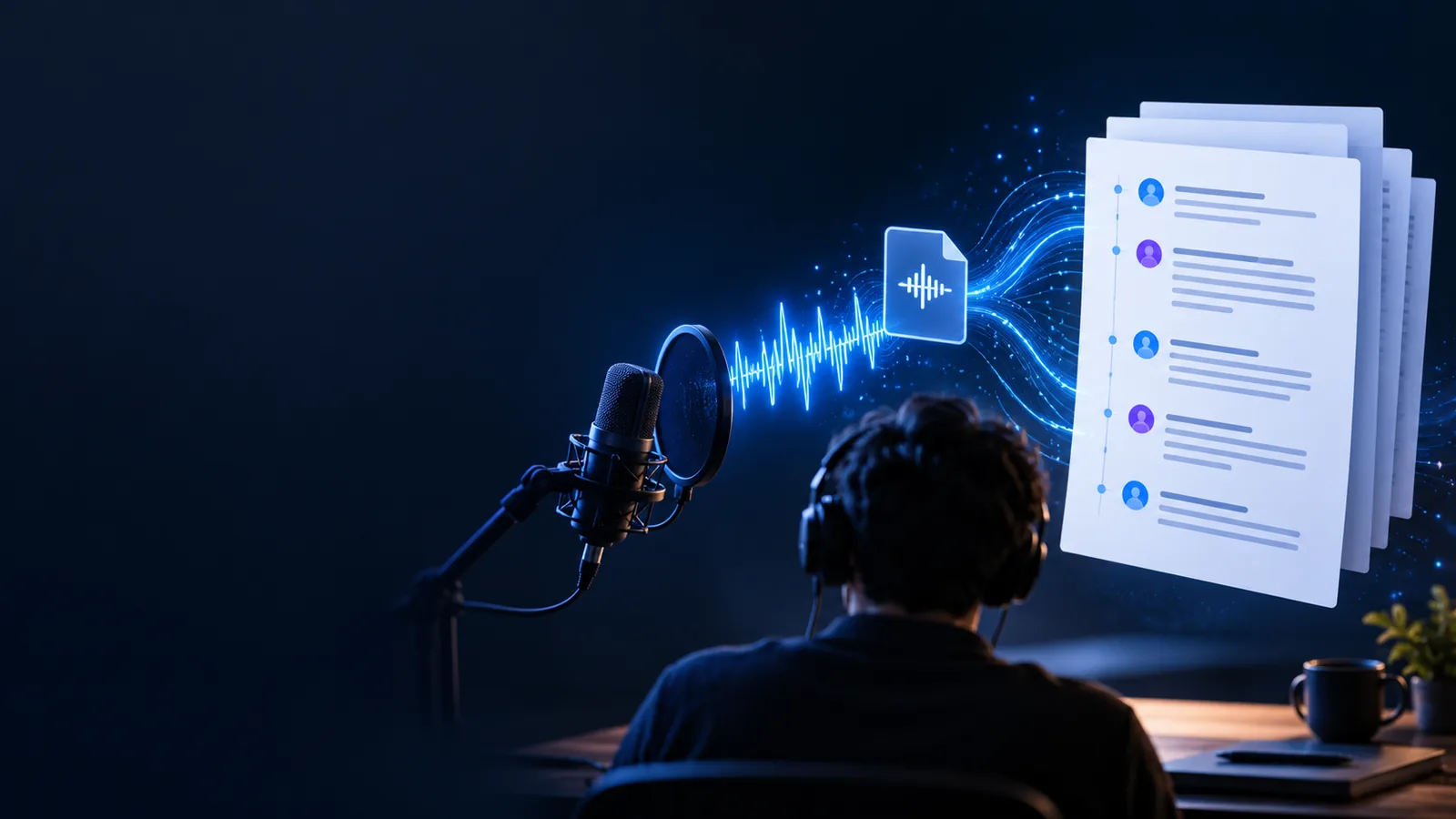
Voice To Text

Practical comparison

Is a voice to text converter alternative free in practice?

A voice to text converter alternative free of upfront charges may still cost you time in recording, cleanup, and checking. Compare built-in dictation with a dedicated transcription service using your own audio and the terms shown by each tool.

Voice To Text site illustration

Total-cost table

Before comparing a price tag, count the work required to get a transcript you can actually use.

  1. 1

    Check the stated terms

    Look for an upfront charge, usage limits, file-length restrictions, and any conditions attached to an offer. Do this for both tools on the day you compare them; a no-cost starting option is not proof that every recording or feature is included.

  2. 2

    Run one representative sample

    Use a short recording that reflects your usual environment, speakers, and vocabulary. If one option requires you to play audio aloud into a microphone while the other accepts a recording, include that preparation in your comparison.

  3. 3

    Count review and correction time

    Mark unclear names, missing words, punctuation changes, and speaker mix-ups. Add the minutes spent preparing audio, producing text, and correcting it. The option with the lowest stated charge may not have the lowest total cost for your work.

Related comparisons

These guides narrow the choice by task, rather than treating every way of getting text from speech as interchangeable.

Where quality differs

No label such as free, built-in, or dedicated tells you how accurately a tool will handle your particular recording.

This comparison cannot certify accuracy

Results change with background noise, microphone placement, overlapping speech, accents, and specialized terms. A clean voice memo is a weak test for a noisy meeting or an interview with several speakers.

Workaround

Test the same representative excerpt in each eligible tool and compare the text against the audio.
It cannot guarantee useful formatting

A transcript may capture most words yet still need paragraph breaks, punctuation, names, or speaker labels corrected. Do not assume those features exist or work consistently without seeing an actual output.

Workaround

List the formatting your final document needs, then measure how much manual editing each result takes.

It cannot establish current offer terms

Availability, supported inputs, retention settings, and usage conditions belong to each provider and can change. The word alternative does not establish that a particular service has a permanent no-cost tier.

Workaround

Read the current terms and privacy information before submitting important or sensitive audio.

Where time differs

The fastest route depends on whether you are composing speech now or working from audio that already exists. These are workflow comparisons, not measured performance claims.

Built-in device dictation
Dedicated transcription service

Best starting point

Built-in device dictation

You are speaking new text into a supported app.

Dedicated transcription service

You need text from an existing recording, if the service accepts it.

Getting audio ready

Built-in device dictation

Usually involves selecting an input and speaking clearly; using saved audio may require a separate workaround.

Dedicated transcription service

May involve finding a file, checking accepted inputs, and submitting it.

Waiting for text

Built-in device dictation

Text may appear as you speak, depending on the device and app.

Dedicated transcription service

Processing happens after submission; duration depends on the service and recording.

Hands-on effort

Built-in device dictation

You guide the input as you dictate and may need to replay saved material manually.

Dedicated transcription service

You may spend less time feeding in saved audio but still need to review the result.

Upfront charge

Built-in device dictation

May be included with a device or app; check applicable terms.

Dedicated transcription service

Varies by provider and offer; verify current conditions.

Correction cost

Built-in device dictation

Depends on speaking conditions and how well the app handles your words.

Dedicated transcription service

Depends on recording quality, speech, and the output features actually available.

Sensitive audio

Built-in device dictation

Check the device and app's processing and storage settings.

Dedicated transcription service

Check the provider's submission, retention, and deletion terms.

Compare the work, not just the output

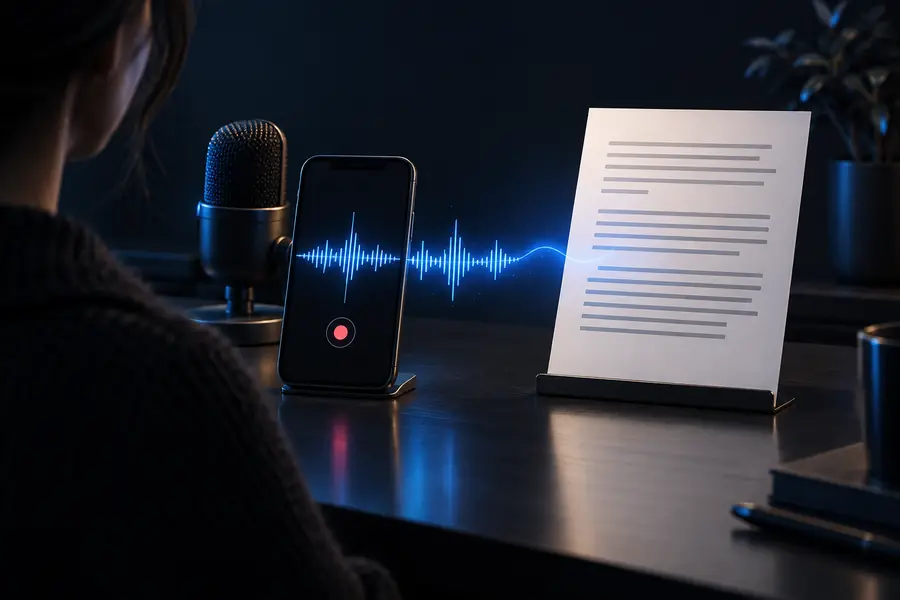
Illustration of a voice recording used as the source for transcription Source audio
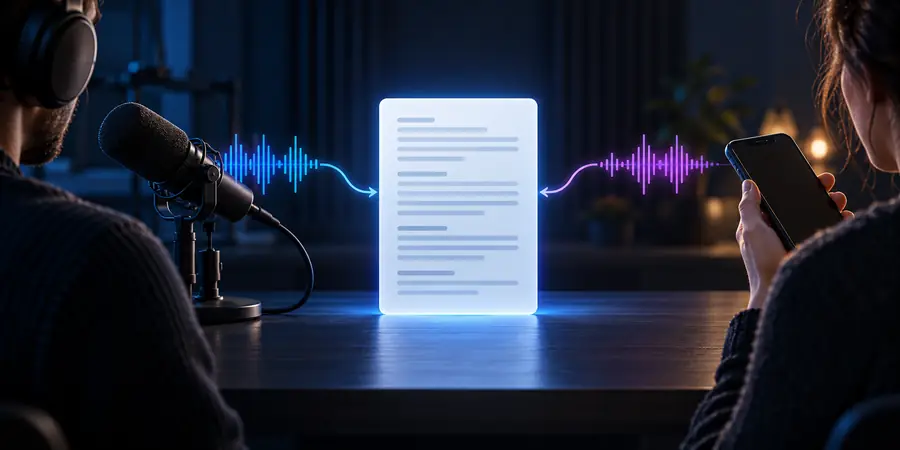
Illustration for comparing voice-to-text options Review the resulting text
Illustrations show the stages of a comparison, not measured transcripts or proof that one option is more accurate. A useful test ends only after you have checked the text against the recording and counted the edits.

When switching is worth it

Choose the workflow that saves you work

Switch when the alternative handles your actual source audio, its current terms suit your use, and a sample needs less total effort to finish. If you mostly dictate short notes, a built-in option may already fit. If you regularly work from saved recordings, it may be worth exploring a dedicated service. Treat any voice to text converter alternative free of upfront charges as a candidate to test, not a promise of unlimited use or accurate output.

Explore transcription options
  • Test the same representative audio
  • Check current terms before submitting
  • Count preparation and editing time

Comparison FAQ

Built-in dictation may be available through a device or app, and some transcription providers may offer no-cost access under specific terms. Check the current offer before relying on it: file restrictions, usage limits, and included features can differ. Free at the starting point does not mean every recording is covered.

Phone dictation can be a practical choice when you are speaking new notes directly into an app. A saved interview or meeting recording is a different task, and getting that audio into a dictation input may take extra work. Compare the complete workflow before choosing.

There is no dependable winner for every recording. Noise, speaker overlap, unfamiliar names, and microphone quality can change the result. Try the same excerpt in the options available to you, then check errors against the audio.

It can, but only if the time spent preparing the audio and correcting the text stays low. For a short note, dictation may be simpler than handling a file. For a long saved recording, the effort of feeding audio into a live input may outweigh any apparent saving.

Check accepted inputs, current usage terms, and how the provider describes storage, access, and deletion. Avoid submitting confidential or third-party speech until you understand the applicable privacy and consent requirements. A comparison guide cannot verify those terms on a provider's behalf.

Convert voice
Convert voice