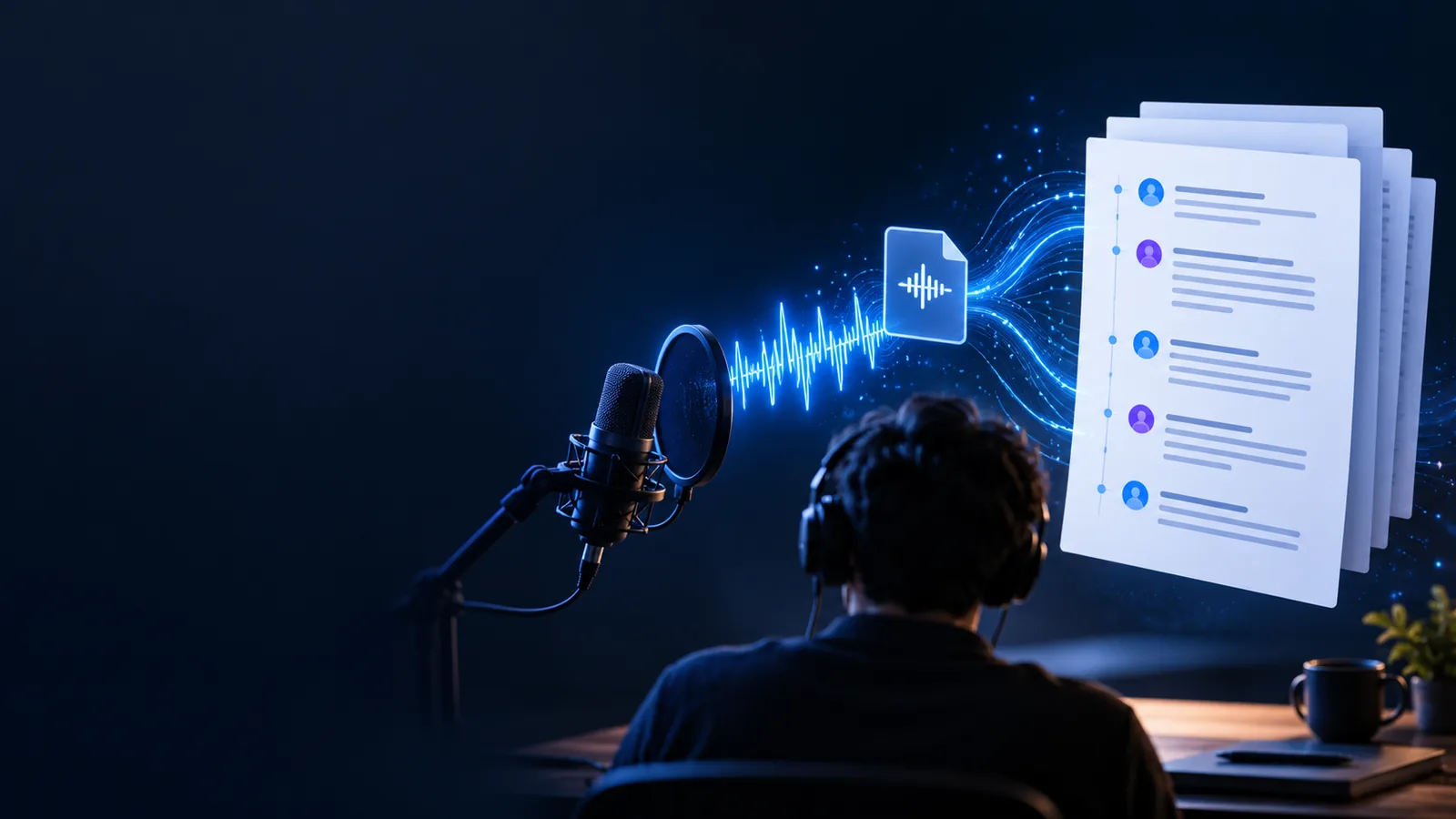
Voice To Text

Recording privacy

Wondering: is voice to text converter safe reddit?

The question is voice to text converter safe reddit has no universal yes-or-no answer. A voice to text converter may process recordings locally or send them to a service; what matters is where your audio goes, who can access it, and how long it remains available. Use the checks below before sharing anything sensitive.

Voice To Text transcription illustration

3 misconceptions about transcription safety

Three assumptions cause avoidable mistakes: that a browser tool always works locally, that deleting a file removes every copy, and that an accurate transcript is automatically private. None follows from the name voice to text converter.

What it actually is

A voice to text converter turns spoken audio into written words. Its privacy risk depends on the particular service and workflow, not the label on the tool.

  1. 1

    You provide audio

    You might upload a saved recording or allow microphone access for live speech. Before either action, check whether the recording includes names, addresses, health details, work discussions, or another person’s voice. Permission to record someone is a separate question from permission to submit their speech to a service.

  2. 2

    The service processes speech

    Speech recognition analyzes the audio and produces text. Processing might occur on your device or on remote servers; an online page alone does not establish which. Read the provider’s current documentation to find out whether recordings or transcripts are stored, reviewed, or used to improve its systems.

  3. 3

    You handle the transcript

    The resulting text can expose the same sensitive facts as the recording, even if the audio is later deleted. Review it for recognition errors, then consider where you copy, save, or share it. Your device, backups, and collaborators can introduce privacy risks beyond the converter itself.

Boundary conditions

The right decision changes with the recording, the people in it, and the rules you must follow. These examples show what to check before choosing a workflow.

A student with a lecture recording

A class recording may capture other students asking questions. The student should check course rules and obtain any required permission before submitting those voices to a transcription service.

If sharing is permitted, a transcript can support review; it should still be checked against the original audio for mistakes.

how do i convert my voice recording into text

A reporter with an interview

An interview may contain unpublished statements or identifying details. The reporter should review consent terms and the provider’s retention practices before uploading it.

For confidential material, an approved local or organizational workflow may be more appropriate than a general web converter.

live audio to text converter

A worker with a meeting memo

A short memo can still mention clients, passwords, or internal decisions. Workplace policy may prohibit sending it to an unapproved service.

Remove unnecessary sensitive details where possible, or use a tool explicitly approved for that information.

how do i convert voice to text on my phone

When NOT to use it

Keep sensitive audio out of an unverified service

Do not submit a recording if you lack permission to share it, cannot establish where it will be processed, or cannot accept the provider’s stated retention and review practices. That includes confidential workplace conversations, protected health information, and recordings involving people who did not agree to this use. If your organization requires an approved tool, follow that rule rather than relying on reassuring comments in a discussion thread. For ordinary, permitted recordings, review the provider’s current terms and privacy documentation before deciding whether Voice To Text fits your needs.

Explore voice transcription
  • Check consent before submitting someone else’s voice.
  • Verify processing and retention claims in current documentation.
  • Treat the transcript as sensitive if the audio is sensitive.

FAQ about voice transcription safety

Safety depends on the service, the recording, and your privacy requirements. Before using one, check its current documentation for processing location, retention, deletion, and access to recordings and transcripts. Avoid submitting material you are not authorized to share.

Comments can point you toward questions worth asking, but they cannot establish a provider’s current practices. Features and policies can change after a discussion is posted. Verify important claims against the provider’s current privacy and product documentation.

Not necessarily. Audio, generated text, backups, and copies you shared may be handled separately. Check the service’s deletion and retention terms rather than assuming that removing one item removes everything.

First decide whether you have permission to process and share the recording at all. If you do, use a workflow that meets the applicable privacy rules and inspect its storage and access terms. If those conditions cannot be confirmed, do not upload the recording.

Convert voice
Convert voice